Extracting table data from images has become an important task for students, businesses, accountants, researchers, and office professionals. Many people receive invoices, scanned documents, receipts, bank statements, screenshots, and printed reports in image format. Manually typing all the information into spreadsheets takes time and increases the chances of errors.
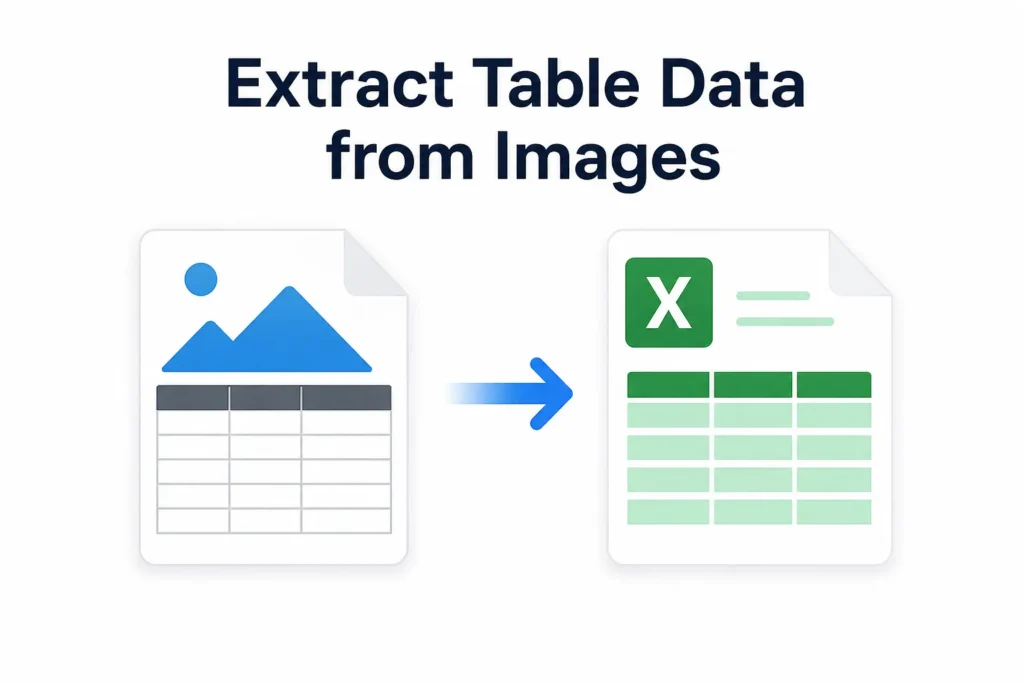
Modern OCR and AI-based technologies now make it possible to convert image tables into editable Excel sheets within seconds. In this guide, we will explain the best ways to extract table data from images accurately and efficiently.
What Does Extracting Table Data Mean?
Table data extraction is the process of identifying rows, columns, numbers, and text from an image and converting them into editable digital data such as Excel spreadsheets or CSV files.
For example, you can convert:
- Invoice screenshots
- Scanned tables
- Printed reports
- JPG or PNG images
- Handwritten data sheets
- Bank statement images
into editable Excel files without manual typing.
If you want to convert image-based data into spreadsheets quickly, you can use our Image to Excel tool on AI Image to Excel.
Why People Need Image Table Extraction
There are several reasons why image-to-table conversion tools are becoming popular:
Saves Time
Manually entering data into spreadsheets is slow. AI-powered extraction tools automate the process and save hours of work.
Reduces Human Errors
Typing data manually can lead to mistakes. OCR systems improve accuracy while extracting large amounts of data.
Improves Productivity
Businesses and office workers can process invoices, reports, and records much faster.
Easy Data Management
After converting image tables into Excel format, users can sort, filter, edit, and analyze data easily.
Best Ways to Extract Table Data from Images
1. Use OCR-Based Image to Excel Tools
OCR (Optical Character Recognition) technology is one of the most effective methods for extracting data from images.
OCR tools detect:
- Text
- Numbers
- Rows
- Columns
- Table structures
and convert them into editable formats.
Modern AI OCR tools can even identify complex tables and maintain formatting accuracy.
You can learn more about OCR technology in our article:
“What is OCR Technology?”
2. Convert Images Directly into Excel Files
Some AI tools allow users to upload JPG, PNG, or scanned images and automatically generate Excel spreadsheets.
This method is useful for:
- Business reports
- Receipts
- Financial records
- Inventory tables
- Student data sheets
If you regularly work with spreadsheet data, this is one of the fastest methods available.
You may also like:
“How to Convert Image to Excel Online for Free”
3. Extract Data from Scanned PDFs
Many users receive documents as scanned PDF files instead of normal images. These PDFs cannot be edited directly because the text is embedded inside images.
Using OCR-enabled PDF tools, you can:
- Detect tables
- Extract text
- Convert scanned PDFs into editable Excel sheets
Related guide:
“Convert Scanned PDF to Editable Excel”
4. Use AI-Based Table Recognition Tools
AI-powered extraction tools are more advanced than traditional OCR systems. These tools understand table layouts, merged cells, and document structures more accurately.
AI table recognition works well for:
- Complex invoices
- Multi-column tables
- Financial documents
- Research reports
AI technology significantly improves extraction accuracy compared to manual methods.
5. Convert Screenshots into Spreadsheet Data
Sometimes users only have screenshots of tables from websites, apps, or reports.
Modern image extraction tools can convert screenshots into editable spreadsheet data by detecting:
- Table borders
- Text alignment
- Numeric values
This is especially useful for students, researchers, and office workers.
Common File Formats Supported
Most modern extraction tools support:
- JPG
- JPEG
- PNG
- BMP
- TIFF
Before uploading files, make sure the image quality is clear and readable for better accuracy.
Tips for Better Extraction Accuracy
Use High-Quality Images
Blurry images reduce OCR accuracy. Always upload sharp and readable files.
Avoid Cropped Tables
Ensure the entire table is visible inside the image.
Use Proper Lighting
Dark or shadowed images can affect text recognition.
Choose AI-Powered Tools
AI-based systems usually provide better formatting and table detection.
Best Use Cases for Image Table Extraction
Image-to-table conversion tools are useful for:
- Accounting
- Data entry
- Banking records
- Invoice management
- School projects
- Research work
- Office documentation
- Inventory tracking
OCR vs Manual Data Entry
| Feature | OCR Extraction | Manual Data Entry |
|---|---|---|
| Speed | Fast | Slow |
| Accuracy | High | Depends on user |
| Time Required | Seconds | Hours |
| Productivity | Better | Limited |
| Scalability | High | Low |
OCR and AI technologies clearly provide a better solution for handling large amounts of table data.
You can also read:
“OCR vs Manual Data Entry”
Challenges in Extracting Table Data
Although modern tools are powerful, some challenges still exist:
- Handwritten text may reduce accuracy
- Complex table formatting can confuse older OCR systems
- Low-quality scans may produce errors
- Multi-language documents may require advanced OCR support
This is why choosing the right AI-powered extraction tool is important.
Future of AI Table Extraction
AI document processing is improving rapidly. Future tools will offer:
- Better handwriting recognition
- Improved table structure analysis
- Faster processing
- Real-time spreadsheet generation
Businesses are increasingly using AI automation to reduce manual data entry work.
Use Our Tool: Image To Excel Converter
Conclusion
Extracting table data from images is no longer a difficult task. With OCR and AI-powered tools, users can quickly convert scanned tables, screenshots, invoices, and PDFs into editable Excel spreadsheets.
Whether you are a student, accountant, researcher, or office professional, using modern image-to-table extraction tools can save time, improve accuracy, and increase productivity.
If you want a simple solution for converting image tables into editable spreadsheets, explore the tools available on AI Image to Excel and streamline your workflow efficiently.